Dell XPS laptops are famous for their robust performance and sleek design, making them a top choice for professionals and creatives. To keep your Dell XPS running smoothly, selecting the right charger is crucial. This guide covers everything you need to know about chargers for your Dell XPS, including specifications, top recommendations, and important buying tips.
Introduction
Picking the right charger for your Dell XPS laptop is essential for maintaining its performance and extending its lifespan. A suitable charger ensures optimal power delivery while preventing overheating and excessive battery drain, contributing to your laptop’s longevity. Although choosing a charger seems straightforward, the variety of options and specifications available requires a thorough understanding.
Let’s explore what makes a charger suitable for your Dell XPS laptop and learn how to select the best option for your needs.
Understanding Dell XPS Charger Specifications
Dell XPS laptops require chargers with specific technical specifications to function efficiently. Misunderstanding these can lead to poor performance, insufficient charging, or battery damage.
-
Voltage: Indicates the electrical potential difference. It’s crucial for determining the energy transmitted to the laptop. Mismatched voltage can result in short circuits or inadequate charging.
-
Amperage: Represents the electric current and indicates how much power the device draws. Using a charger with incorrect amperage affects charging ability negatively.
-
Wattage: Depicts total power output, calculated as voltage multiplied by amperage. Matching the wattage ensures efficient charging without causing the device to overheat.
These specifications not only ensure efficient power delivery but also safeguard your battery’s health in the long run.
Authentic vs. Third-Party Chargers
Choosing between an authentic Dell charger and a third-party alternative presents a common dilemma. Each option offers distinct benefits and drawbacks to consider.
Authentic chargers are designed specifically for Dell XPS laptops, ensuring compatibility and safety. They come with quality assurances and manufacturer warranties, though they are often more expensive than third-party options.
On the other hand, third-party chargers often present a more cost-effective choice. While they may lack the same level of quality control and assurance, many reputable brands offer reliable alternatives. Careful research, reading customer reviews, and verifying certifications are necessary steps in making an informed choice.
Understanding the differences between these options can guide you toward a decision that optimizes both cost and performance.
Top Recommended Chargers for Dell XPS Laptops
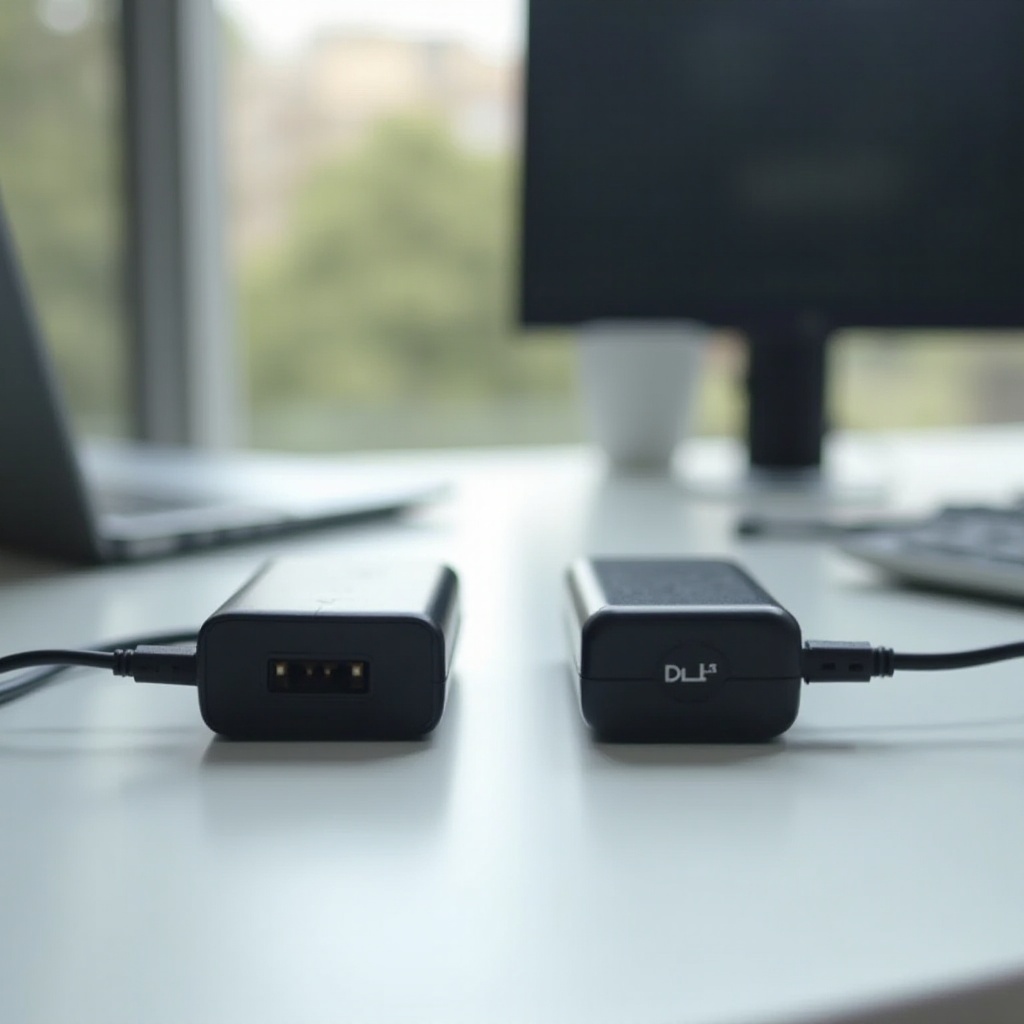
Finding a high-quality charger that aligns with your Dell XPS model ensures optimal power efficiency. Here are some top recommendations:
- Original Dell Chargers:
- Dell 130W AC Adapter: A versatile option, compatible with many XPS models, delivering reliable power.
-
Dell 90W Slim Charger: Balances portability without sacrificing performance.
-
Top-Rated Third-Party Chargers:
- Anker 60W PowerPort Atom PD 2: Known for its ultra-fast charging capability with Power Delivery.
- Plugable USB-C Laptop Charging Adapter: Offers great compatibility with newer XPS models featuring USB-C ports.
These recommendations provide a balance between quality, performance, and price, ensuring you have reliable options for various needs.
Buying Tips and Considerations
Ensuring the quality and compatibility of your charger is paramount when making a purchase. Consider these tips:
- Verify Authenticity: Look for Dell logos, serial numbers, and hologram stickers to confirm the product’s genuineness.
- Research Third-Party Brands: Opt for well-known brands with positive customer feedback. Check for necessary certifications to avoid substandard products that could damage your laptop.
- Review Return Policies: Choose sellers or brands with flexible return policies. This allows for exchanges if the charger is incompatible or defective.
These steps can help you confidently select a charger, enhancing the security of your laptop investment and prolonging its life.
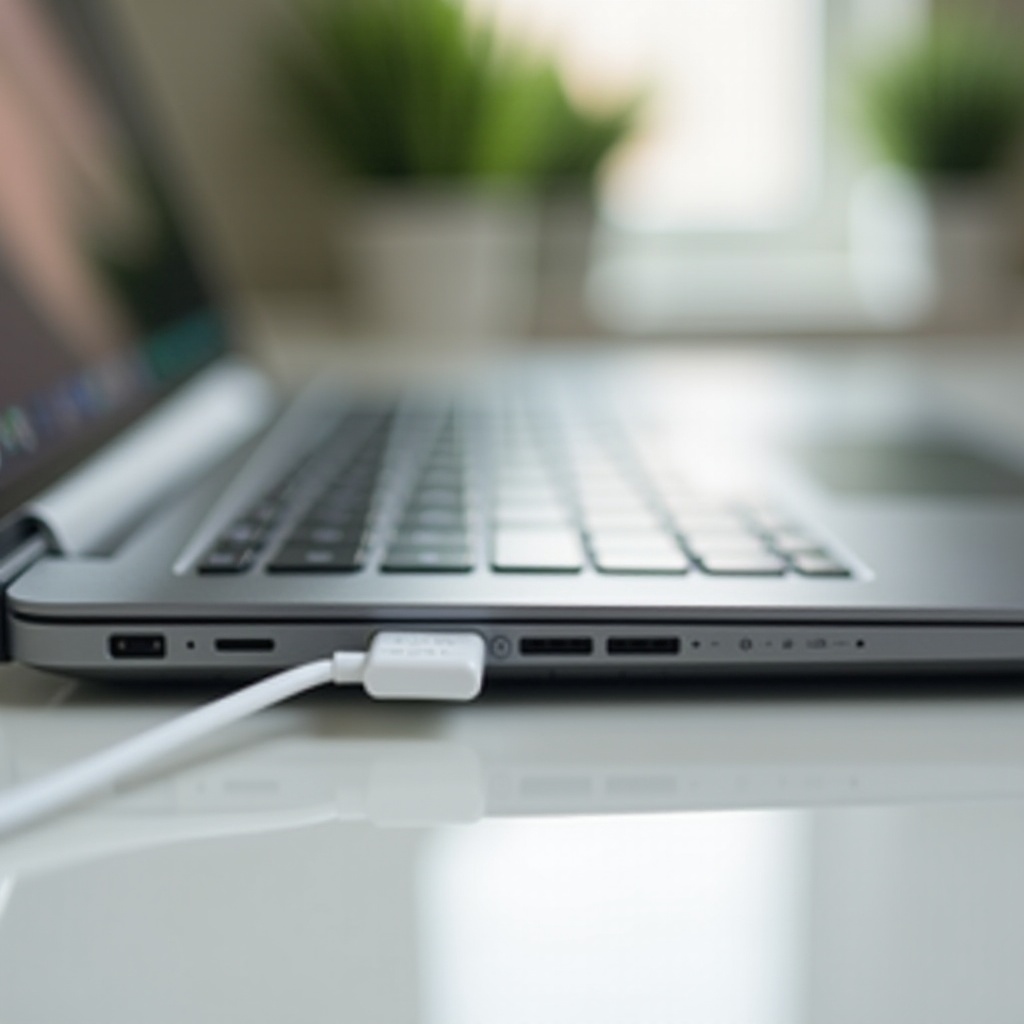
How to Extend the Life of Your Charger and Battery
Caring for your charger not only extends its lifespan but also boosts your laptop’s battery health. Here’s how:
- Adopt Smart Charging Practices: Avoid overcharging by not leaving your laptop plugged in perpetually. Use timers if necessary to regulate charging time.
- Store Properly: Keep your charger in a cool, dry place, avoiding direct sunlight and moisture.
- Mind the Cable: Avoid stretching or kinking the cables, as this can lead to faults over time.
Adopting these practices reduces wear and tear on your charger and ensures your laptop’s battery remains in optimal condition, extending the overall lifespan of your device.
Conclusion
Selecting the right charger for your Dell XPS laptop is essential for protecting your device’s performance and longevity. By understanding technical specifications, weighing the pros and cons of authentic versus third-party options, and adhering to smart buying tips, you can confidently choose the ideal charger. Furthermore, following good charging and care practices will prolong your charger and battery life, ensuring your Dell XPS remains an efficient tool for years to come.
Frequently Asked Questions
What happens if I use a charger with a different wattage?
Using a charger with a different wattage can lead to inadequate power delivery, slower charging, or even damage to the battery and internal components over time.
How can I tell if my charger needs to be replaced?
Indicators for replacement include the charger not powering the device, excessive overheating, visible cable damage, frequent disconnections, or charging interruptions.
Are there universal chargers that work with Dell XPS laptops?
Yes, some universal chargers are compatible with Dell XPS laptops, especially those with USB-C ports. However, it’s essential to double-check specifications for compatibility and performance alignment.