Introduction
Motorola phones are renowned for their durability and user-friendly interface. However, they can still experience some common problems that disrupt daily use, such as fast battery drain, overheating, or persistent software glitches. This comprehensive troubleshooting guide addresses these Motorola phone issues by providing practical solutions for each.

Battery Drain Problems
A frequent complaint among Motorola users is rapid battery drain, which can be particularly inconvenient when you are relying on your phone throughout the day. Understanding the underlying causes and how to fix them can greatly improve your phone’s performance.
- Causes of Battery Drain on Motorola Phones: Apps running in the background, GPS services, and frequent push notifications often lead to excessive battery use. Incorrect settings and outdated software can exacerbate the issue.
- Tips to Optimize Battery Life: Lower screen brightness or enable adaptive brightness. Disable GPS, Bluetooth, and Wi-Fi when not in active use. Switch on battery saver mode to extend battery life during critical periods.
- Apps and Settings to Consider: Use battery management apps to identify and disable high-drain apps. Regularly update your phone’s software to receive the latest battery optimization enhancements.
Dealing with battery drain is essential before moving on to address the related issue of overheating, which can further impair device functionality.
Resolving Overheating Issues
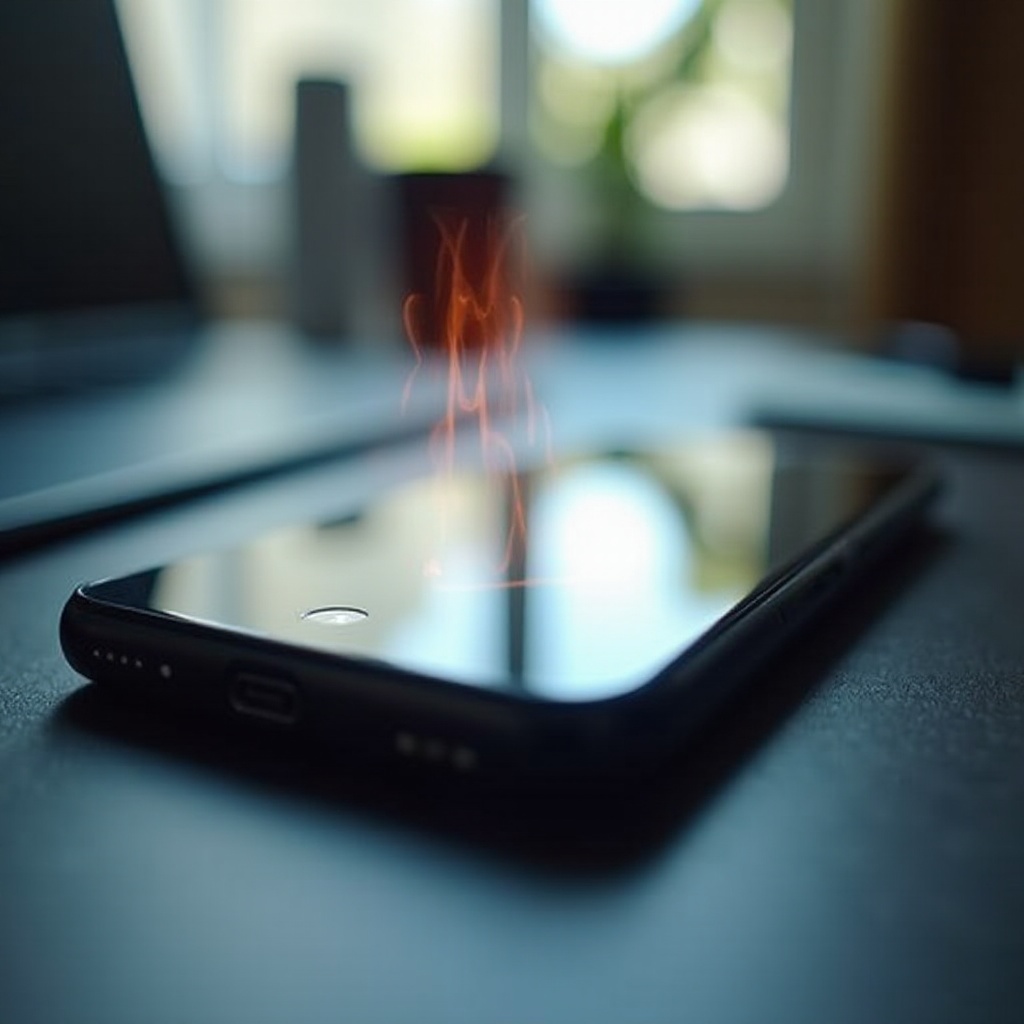
Overheating not only suggests a problem but can also cause additional complications such as performance dips or battery drain itself. Identifying and mitigating overheating helps maintain the device’s well-being.
- Symptoms of Overheating: If the phone feels too hot, shuts down unexpectedly, or displays temperature warnings, it’s likely overheating. Tackling these issues promptly can prevent damage.
- Effective Cooling Solutions: Cease all running applications and remove phone cases to allow heat dispersion. Avoid using the device while charging and place it on a cool surface or in front of a fan to speed up cooling.
- Preventive Measures for Overheating: Regularly clear caches and ensure apps are updated to prevent resource-heavy processes. Avoid direct sunlight and extremely warm environments for extended use.
After resolving overheating troubles, focus on connectivity issues that often surface due to inadequate energy efficiency and system resource handling.
Fixing Connectivity Issues
Stable connections are critical for optimal phone operation, but Motorola devices can occasionally suffer from connectivity issues, impacting the user experience.
- Troubleshooting Wi-Fi Connectivity: Verify that the device is within range of your router and connected with the correct password. If connectivity issues continue, try rebooting the router and phone.
- Solving Bluetooth Pairing Problems: Turn off and back on the Bluetooth feature, unpair previous devices, and attempt a fresh connection. Ensure devices are compatible and positioned close together.
- Mobile Data Connection Troubles: Check your phone’s mobile data settings to confirm data usage is enabled. Reset network settings if the problem persists.
With stable connectivity, you can confidently address software glitches, which often result from or cause issues in wireless functions and app interactions.
Addressing Software Glitches
Software glitches lead to inconsistent phone behavior, which can be both disruptive and confusing. Managing these issues is essential for reliability and smooth performance.
- Performing System Updates: Updating your system not only adds new features but also fixes bugs and security vulnerabilities. Access system settings to initiate updates.
- Resolving Frequent App Crashes: Clear app caches, or uninstall and reinstall crashing apps. Ensure all applications are up-to-date and compatible with your phone’s operating system.
- Restoring Factory Settings: If problems persist, consider a factory reset after backing up important data. This can resolve deep-seated software issues.
With glitches managed, focus on enhancing overall performance to maintain a seamless user experience.

Improving Overall Performance
Achieving peak performance involves routine maintenance and monitoring of your Motorola device’s resources.
- Clearing Cache and Unnecessary Data: Clear out the cache regularly and uninstall unused applications to free up storage and system resources.
- Managing Background Apps and Processes: Limit the number of concurrently running applications to reduce system strain. Use task manager tools to detect and close unwanted processes.
- Utilizing Built-in Optimization Features: Motorola phones often include built-in optimization tools that help maintain system health through efficient resource management.
Fine-tuning your phone’s performance ensures a more fulfilling and efficient experience, keeping potential issues at bay and maintaining optimal functionality.
Conclusion
While robust and feature-rich, Motorola phones may encounter common obstacles that interrupt your daily routine. By systematically addressing battery, thermal, connectivity, and software issues, you ensure your phone runs smoothly and efficiently. Consistent maintenance and proactive monitoring are keys to enhancing phone longevity and usability.
Frequently Asked Questions
Why does my Motorola phone keep restarting?
Frequent restarts may be caused by a corrupted app, outdated software, or a faulty battery. Try updating the software and removing recently added apps.
How can I improve the sound quality on my Motorola device?
Ensure volume settings are properly configured and no apps interfere with audio. Clean the phone’s speaker grills and consider using a sound-enhancing app.
What should I do if my Motorola phone screen is unresponsive?
Restart or perform a soft reset on your phone. If the problem persists, the issue may be hardware-related, requiring professional inspection.