Introduction
The demand for efficient computers in drone video editing is growing rapidly. As drones advance, so do the computer requirements that handle high-definition video files. Selecting the right computer ensures creators can work smoothly and efficiently, boosting productivity and allowing for more creativity in their projects. In 2024, the focus shifts to not only power but also how these systems integrate with upcoming technologies and software optimized for top-notch video production.
Key Features to Look for in a Computer for Drone Video Editing
Choosing the ideal video editing setup means understanding the crucial features in a computer. Powerful components translate into a seamless editing experience.
-
Processing Power: The processor is the workhorse of any computer, especially in video editing. Look for a multi-core CPU, ideally an Intel i9 or AMD Ryzen 9, which efficiently handles complex editing tasks and processes rendering applications without stutter.
-
Graphics Card Specifications: A dedicated GPU, like the NVIDIA RTX 3080 or AMD Radeon RX 6800, provides the acceleration needed for rendering high-resolution videos. This offloads the work from the CPU, resulting in faster rendering times and smoother playback of high-resolution footage.
-
Optimal RAM and Storage Configurations: A minimum of 32GB of RAM is ideal for managing multitasking and editing large files efficiently. Additionally, SSD storage drastically improves the speed of reading and writing data, essential for handling large video files. Preferably, a setup with 1TB SSD storage will maintain smooth workflow performance.
Top Computer Models for Drone Video Editing in 2024
Different needs and budgets call for varied recommendations. Yet, these top models have proven their worth in 2024.
-
Apple MacBook Pro with M3 Max: Incorporating Apple’s latest processors, the MacBook Pro delivers unprecedented performance and efficiency. The M3 Max chip supports complex editing software, making it a top choice for professionals who prefer macOS.
-
Dell XPS 17: Known for its impressive display and powerful internals, the Dell XPS 17 is perfect for editors requiring a large workspace. Stacked with an Intel i9 processor and NVIDIA RTX graphics, it provides outstanding power for creating and editing ultra-HD content.
-
Alienware X15 R3: This laptop delivers on power and style, featuring high-end NVIDIA RTX graphics and a superior cooling system. Ideal for heavy-duty tasks and demanding software, it is a perfect blend of gaming zest and editing power.
-
ASUS ROG Zephyrus G16: With a robust Ryzen 9 processor and RTX 3070 GPU, this model balances affordability and power. Its lightweight design also makes it a portable option for editors on the go.
Detailed Computer Analysis and Performance Insights
Features and specs are promising, but diving into real-world performance reveals deeper insights that can help in the decision-making process.
-
Benchmarking Tests and User Experience: Testing systems with practical video editing tasks like rendering 4K files or applying complex effects illustrates their efficiency. The MacBook Pro shines with its seamless integration and long battery life, suitable for editors valuing mobility. Dell XPS 17, with its expansive display, allows for precise editing work and multitasking.
-
Price vs. Performance Evaluation: Comparing cost against capabilities, Dell XPS 17 offers superior value for professionals desiring both display and power. Meanwhile, the ASUS ROG Zephyrus proves that you don’t need to break the bank for high-end results, achieving a balance between cost-effectiveness and cutting-edge technology.
Practical Tips for Enhancing Video Editing Performance
Beyond hardware specs, optimizing the setup and workflow involves practical steps.
-
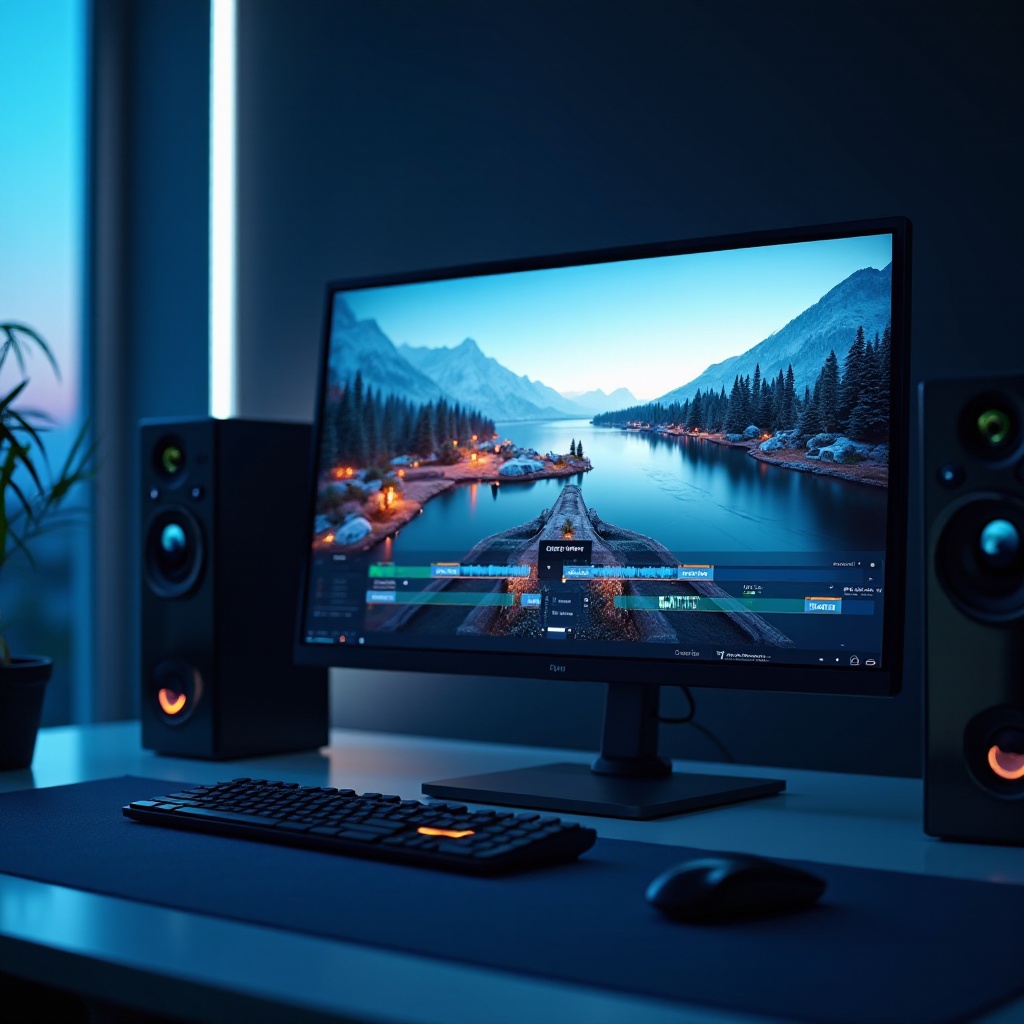
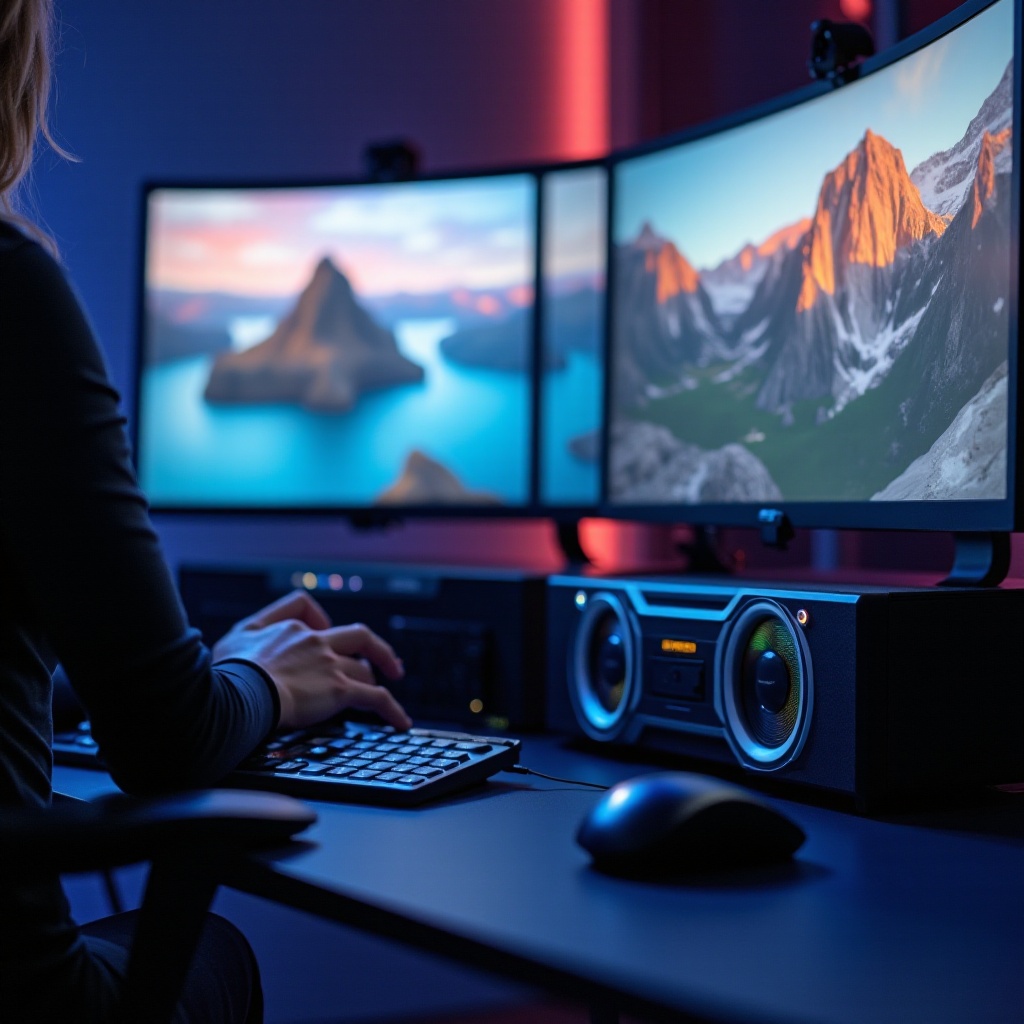
Investing in Quality Peripherals: Use high-quality monitors with accurate color displays for editing precision. Accessories like ergonomic keyboards and a responsive mouse can improve editing comfort and accuracy over long sessions.
-
Software Optimization Techniques: Update editing software frequently to ensure compatibility with current hardware. Take advantage of plugins and mods that increase rendering efficiency and resource management, maintaining smooth operations even with memory-intensive tasks.
Conclusion
Selecting the best computer for drone video editing involves balancing power, budget, and practicality. Each recommended model offers distinct advantages suited to various editing styles and professional needs. MacBook Pro fulfills the need for performance with design elegance, while Dell XPS awaits those valuing screen real estate and power. No matter the choice, these computers promise to bolster creativity and productivity.
Frequently Asked Questions
What is the minimum RAM required for drone video editing?
16GB is the minimum, but 32GB is recommended for seamless performance.
Is a desktop or laptop better for video editing?
Desktops generally offer more power and upgradeability, while laptops provide portability for editors on the move.
How can I future-proof my computer for video editing needs?
Opt for multi-core processors and high-performance GPUs, ensuring the system is upgradeable for evolving software demands.