Introduction
Choosing the best tools for photo editing can significantly enhance your creative process. Lenovo offers a wide range of laptops that meet the needs of photo editors due to their robustness and powerful performance. This article will guide you through choosing the best Lenovo laptops for photo editing in 2024, focusing on key features, top models, and suggestions to improve your editing experience.
Key Features for a Photo Editing Laptop
Selecting a laptop for photo editing can be daunting. It’s important to look at several essential features to ensure you have the best tool for your creative work.
Display Quality
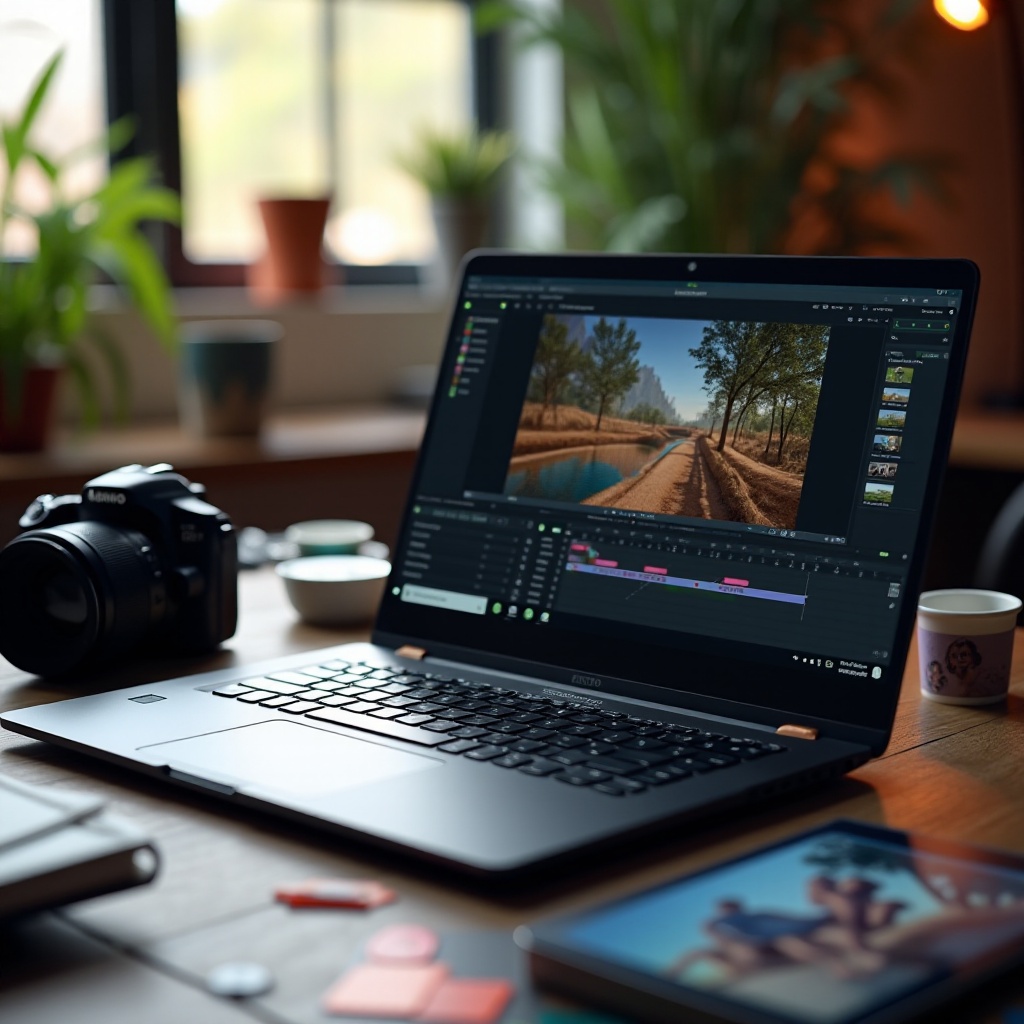
A high-quality display is crucial for effective photo editing. Seek out screens with high resolutions, such as 4K, which offer excellent clarity and color accuracy. An IPS panel can provide better color consistency and viewing angles, making it a top choice for professionals who need precise color representation.
Processor and RAM
The heart of any photo editing setup is the processor and RAM. For Lenovo laptops, an Intel Core i7 or AMD Ryzen 7 processor is recommended, along with at least 16GB of RAM. This combination allows for smooth multitasking and efficient handling of large image files, ensuring you can edit without disruption.
Graphics Card
A dedicated graphics card can greatly enhance the rendering and processing of images. Look for laptops with NVIDIA GeForce GTX or RTX series GPUs, which are known for boosting the quality and speed of visual tasks. This is essential not only for editing but also for any 3D modeling or graphic-intensive tasks.
Storage and Portability
Lenovo laptops offer great storage solutions with their SSDs, which are faster than traditional HDDs. Aim for at least 512GB of storage to accommodate large files and projects. Additionally, consider portability if you’re on the move; a lighter laptop with a long-lasting battery can be very beneficial for traveling professionals.
Top Lenovo Laptops for Photo Editing in 2024
With an understanding of key features in mind, let’s explore some of the top Lenovo models designed for photo editing.
Lenovo ThinkPad X1 Carbon Gen 11
The ThinkPad X1 Carbon Gen 11 is acclaimed for its premium design and powerful performance. It features a 14-inch 4K display, delivering stunning image clarity. Coupled with the latest Intel Core i7 processor and up to 32GB of RAM, it is equipped to handle even the most demanding photo editing tasks efficiently. Additionally, its lightweight design makes it an ideal choice for mobility without sacrificing performance.
Lenovo Yoga 9i Gen 8
The Yoga 9i is another excellent choice, blending versatility with power. Its 360-degree hinge and touch-enabled 14-inch 4K display offer creative flexibility, especially useful for those who enjoy touch and pen input. Powered by an Intel Core i7 CPU and an integrated Intel Iris Xe graphics card, it balances robustness with usability, appealing to a range of creative professionals.
Lenovo Legion 5 Pro Gen 8
The Legion series, while primarily known for gaming, provides exceptional performance for photo editing due to its high-end specs. The Legion 5 Pro Gen 8 features a large 16-inch QHD display with excellent color accuracy, powered by an AMD Ryzen 7 processor and an NVIDIA GeForce RTX GPU. This setup ensures superior graphics rendering, making it perfect for editors who demand high-performance laptops without breaking the bank.
Comparing Performance and Price Points
After exploring these models, it’s essential to consider performance versus price. The ThinkPad X1 Carbon stands out for its premium quality and portability, ideal for creators who need to work wherever they go. Although higher in price, its performance and build justify the investment.
The Yoga 9i offers a sweet spot between performance and versatility, appealing to those who need both traditional and touch-screen interfaces. Its pricing is more accessible, making it a top contender for budget-conscious users who still want high functionality.
Lastly, the Legion 5 Pro presents an opportunity for those who require tremendous graphics capabilities at a reasonable price, proving that you can obtain excellent editing performance without a steep cost.
Tips for Enhancing Your Photo Editing Experience
Even with the best laptop, utilizing additional tools can significantly enhance your photo editing workflow. Here are some recommended enhancements:
Essential Accessories
- External Monitors: A second monitor can offer a larger canvas to view your work, ensuring accuracy and providing a more comfortable editing environment.
- Calibration Tools: Ensuring your display’s color accuracy is crucial. Tools like the X-Rite i1Display Pro can keep your screen colors true to life.
- Digital Drawing Pads: For precise edits and creative control, tools like Wacom tablets provide excellent support for detailed work, offering a pen interface that feels natural.
Software Recommendations
- Adobe Suite: Programs such as Photoshop and Lightroom remain industry standards for their comprehensive editing tools and features.
- Capture One: Known for its robust RAW processing capabilities, it’s perfect for professionals needing advanced control over their images.
- Luminar AI: This software uses AI to streamline complex edits, helping enhance workflow efficiency, especially beneficial for batch processing or when time is constrained.
Conclusion
Selecting the right Lenovo laptop for photo editing in 2024 requires evaluating your specific needs and the tasks you perform most frequently. With options like the ThinkPad X1 Carbon, Yoga 9i, and Legion 5 Pro, Lenovo continues to offer solutions that cover a spectrum of preferences and requirements. Each model offers distinct advantages, so whether you prioritize portability, versatility, or power, there’s a Lenovo laptop that fits your editing style perfectly.
Frequently Asked Questions
What makes Lenovo laptops good for photo editing?
Lenovo laptops are renowned for their robust build quality, high-resolution displays, and powerful configurations, meeting the intensive demands of photo editing tasks.
Can Lenovo gaming laptops be used for photo editing?
Yes, Lenovo gaming laptops typically feature high-performance graphics and processors, making them more than capable for photo editing, despite being designed for gaming.
How do I optimize my Lenovo laptop for better performance in editing?
To optimize your Lenovo laptop, ensure software is up to date, increase RAM if possible, calibrate your display for color accuracy, and manage storage to maintain system speed.